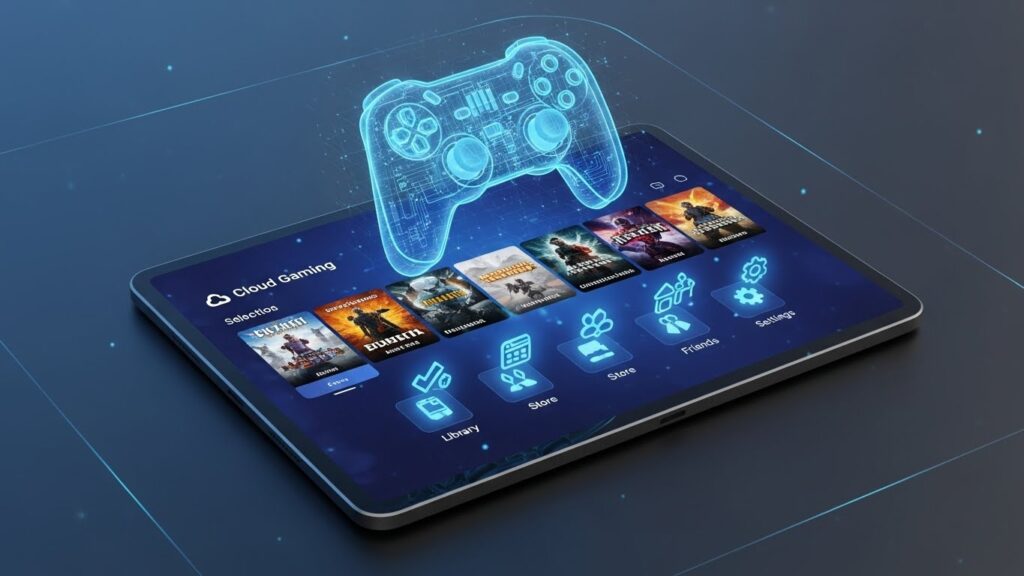
Why Tablets Are Becoming Popular for Gaming
Gaming on tablets has grown rapidly thanks to their unique balance between performance, portability, and versatility.
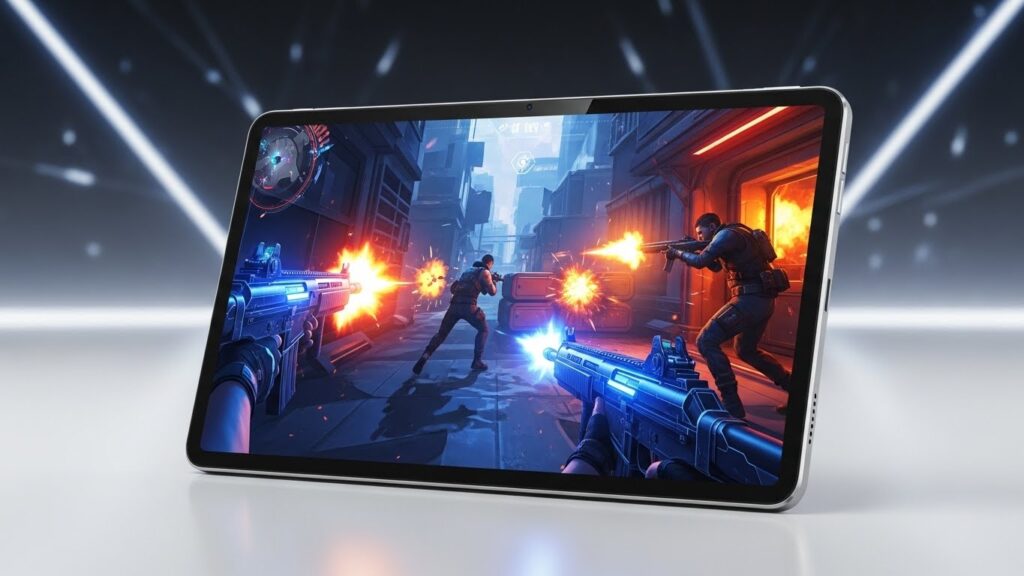
Unlike smartphones, tablets offer larger screens that improve visibility and immersion, making them ideal for strategy games, shooters, racing titles, and RPGs.
Modern tablets support:
For gamers who want flexibility without being tied to a desk or TV, tablets offer an attractive alternative.
Key Features That Matter in Gaming Tablets
Processor and Graphics Performance
A strong CPU and GPU ensure smooth gameplay, fast loading times, and stable frame rates. This is especially important for action-heavy games, competitive titles, and emulation.
Display Quality and Refresh Rate
Larger screens with high resolution and refresh rates (90Hz, 120Hz, or higher) provide smoother visuals and faster response times, enhancing immersion and precision.
Battery Life for Long Gaming Sessions
Gaming can drain batteries quickly. Tablets designed for gaming often balance performance and efficiency to support extended play sessions.
Thermal Management
Efficient cooling prevents overheating and performance throttling during long or intense gaming sessions.
Audio and Accessories
Stereo speakers, low-latency headphones, and controller support significantly enhance the gaming experience.
Android, iPadOS, and Windows Tablets for Gaming
Android Tablets
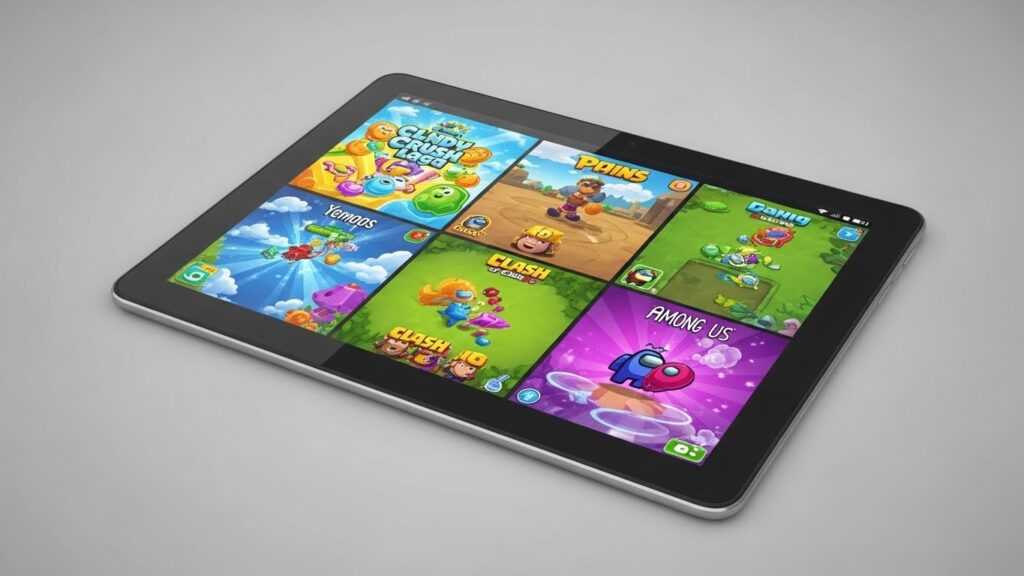
Android tablets offer flexibility, a wide variety of games, and strong support for emulators and cloud gaming. They are popular among gamers seeking customization and value.
iPadOS Tablets
iPads are known for excellent game optimization, powerful chips, and access to Apple Arcade. They deliver smooth performance and consistent updates.
Windows Tablets
Windows tablets appeal to users who want access to PC games, cloud gaming platforms, and hybrid gaming-work setups, though they are more niche.
Casual Gaming vs Competitive Gaming
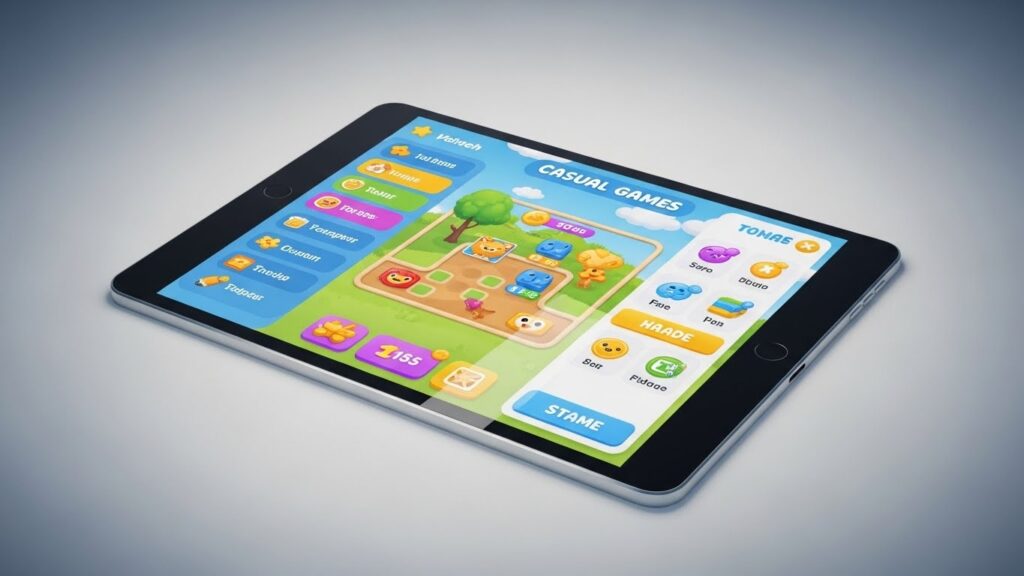
Not all gamers have the same needs. Casual players may prioritize comfort, screen size, and battery life, while competitive gamers focus on performance, refresh rates, and input precision.
Understanding your gaming style helps avoid overspending on features you don’t need—or underinvesting in performance that matters.
Common Mistakes When Choosing a Gaming Tablet
Choosing based solely on screen size
Ignoring cooling and sustained performance
Overpaying for specs that exceed your gaming needs
Forgetting about accessory compatibility
Avoiding these mistakes leads to a more satisfying and cost-effective purchase.
Is a Gaming Tablet Worth It?
Gaming tablets are an excellent choice for players who value portability, versatility, and multi-purpose devices. They are especially appealing to users who want one device for gaming, entertainment, and everyday tasks.
For some, a console or PC may still be the better option—but for many gamers, tablets strike the perfect balance.
Tablets for Gaming: Frequently Asked Questions
Are tablets good for gaming?
Yes. Modern tablets can handle demanding games, cloud gaming, and long sessions with excellent performance.
Which is better for gaming: Android or iPad?
Both are excellent. Android offers flexibility and variety, while iPadOS excels in optimization and performance consistency.
Do gaming tablets overheat?
Quality tablets manage heat well, but extended gaming can generate warmth depending on the game and settings.
Can you use controllers with tablets?
Yes. Most tablets support Bluetooth controllers and gaming accessories.
Are tablets suitable for kids who play games?
Yes, especially when paired with parental controls and age-appropriate content.