What Is a Windows Tablet and Who Is It For?
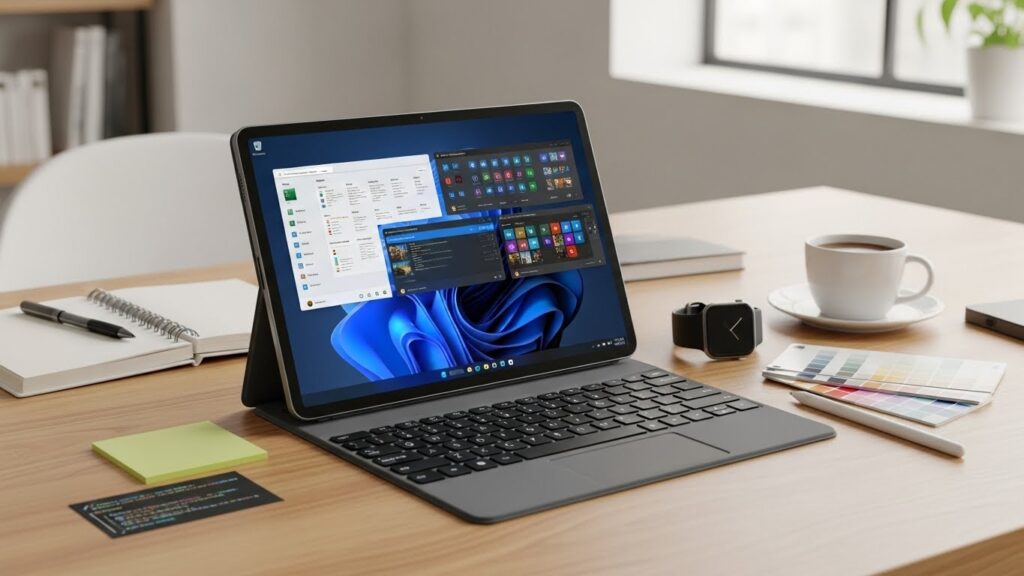
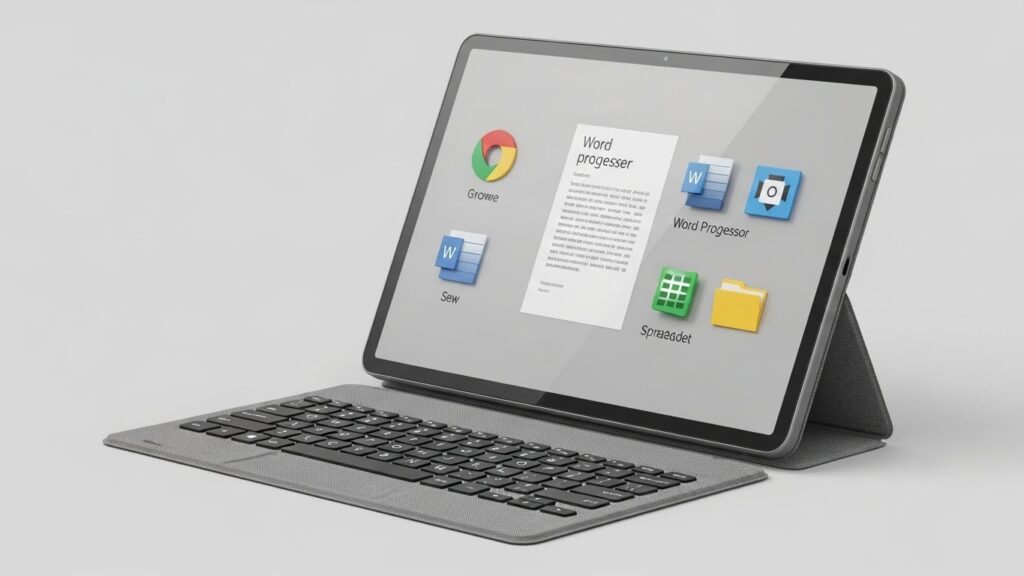
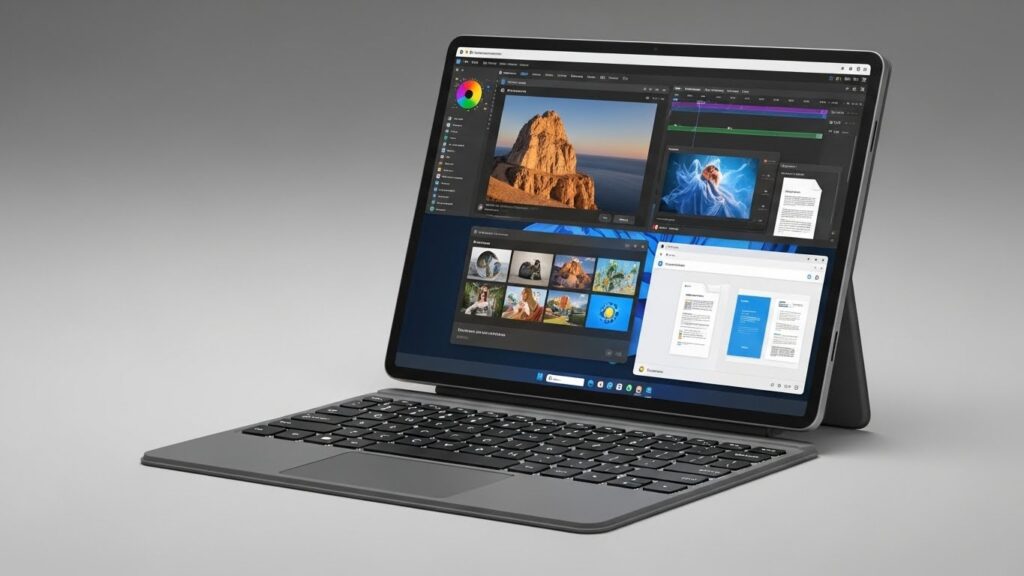
A Windows tablet is a portable computing device that runs Microsoft Windows, offering the same operating system found on traditional laptops and desktops. Unlike mobile-focused tablets, Windows tablets are designed to handle professional software, multitasking workflows, and productivity-focused tasks.
They are especially well suited for professionals, students, and power users who rely on desktop applications such as Microsoft Office, Adobe software, development tools, or business platforms. Windows tablets are ideal for users who want the flexibility of a tablet with the power of a full PC experience.
Windows Tablet Models Explained (Premium, Mid-Range, and Budget)
Windows tablets are available in several categories, each designed to meet different needs and budgets.
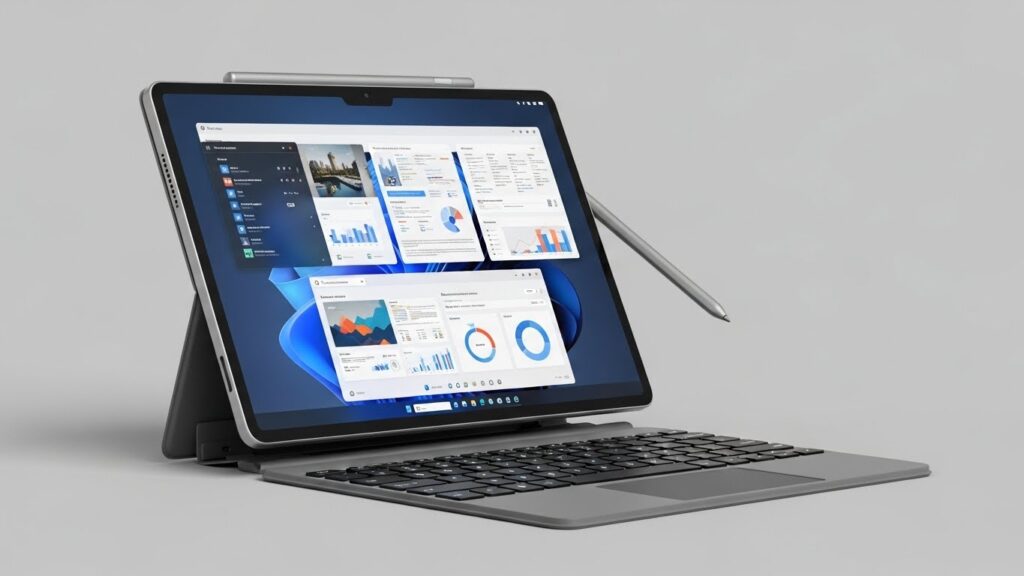
Premium Windows Tablets deliver high-end performance, premium displays, and advanced build quality. These devices are commonly used for business, creative work, and demanding multitasking scenarios.
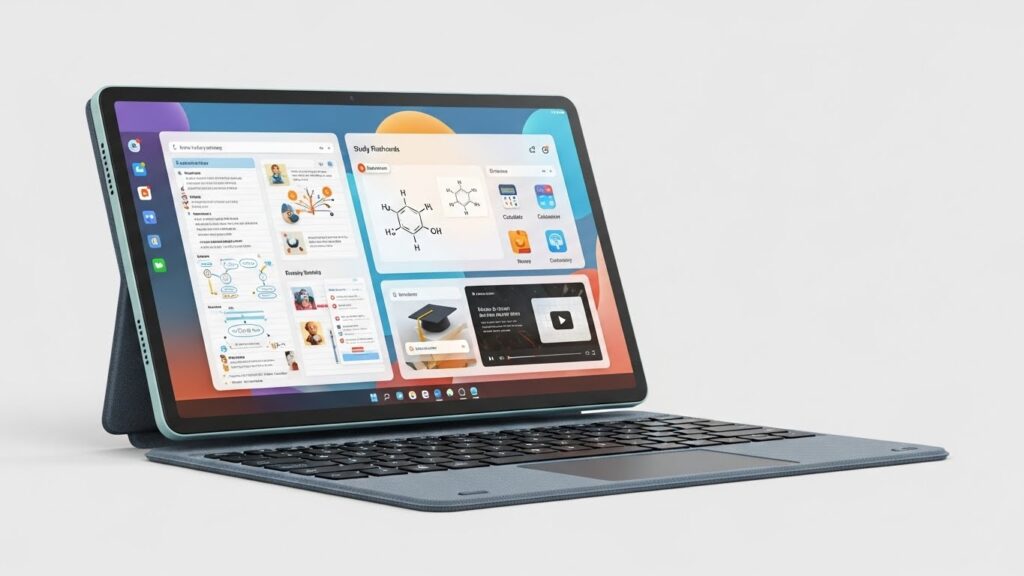
Mid-Range Windows Tablets offer a balance between performance and affordability. They are suitable for everyday productivity tasks such as document editing, web browsing, online learning, and light creative work.
Entry-Level Windows Tablets focus on basic productivity, web-based tasks, and casual usage. They are ideal for users who need access to Windows software without investing in premium hardware.
Key differences between models typically include processor power, RAM, storage options, display quality, keyboard compatibility, and long-term Windows update support.
Windows Tablets vs Other Tablets
Windows Tablets vs iPad
Windows tablets provide a full desktop operating system, making them better suited for users who need traditional PC software and multitasking. iPads excel in simplicity, app optimization, and battery efficiency, but are more limited for advanced desktop workflows.
Windows Tablets vs Android Tablets
Android tablets focus on mobility, entertainment, and customization, while Windows tablets prioritize productivity and compatibility with desktop software. Windows devices are generally preferred for work-oriented use, while Android tablets appeal to casual and budget-conscious users.
Overall, Windows tablets stand out for their versatility and ability to function as true laptop replacements, while acknowledging that each platform has strengths depending on the intended use case.